wg8 App – Download APK for Android
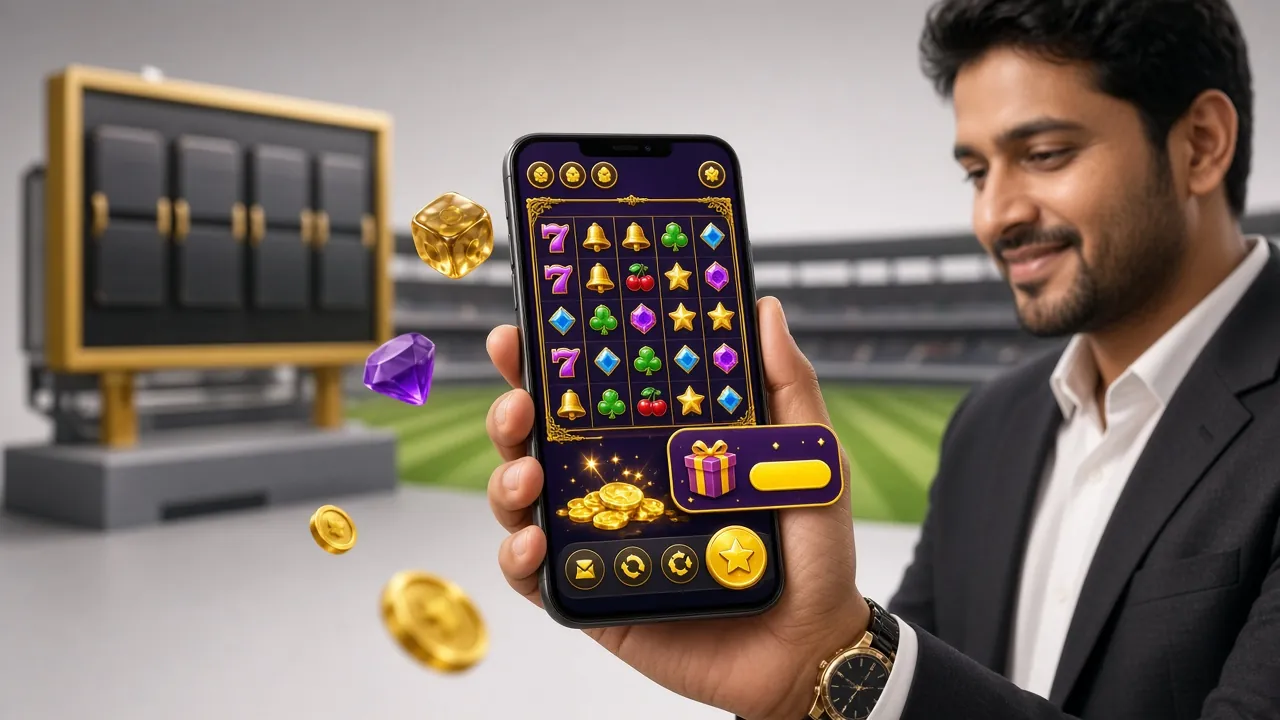
The wg8 app puts cricket betting, casino slots, live games, and bKash payments in your pocket. Free to download, 45 MB, works on Android 6.0 and above. Install in under two minutes.
wg8 APK
What You Get in the wg8 App
Cricket & Sports Betting
Bet on BPL, IPL, T20, and ODI matches in real time. Pre-match and live markets with up-to-the-minute odds. Minimum bet just ৳1, so you can follow every over without a big stake.
Slots & Casino Games
Over 2,000 games from PG Soft, Playtech, CQ9, KA Gaming, FA Chai, and Ezugi load smoothly on mobile. Fortune Rabbit, Dragon Gate, Fruit Shop, and more – all playable on a 4G or Wi-Fi connection.
Live Casino
HD streams of Blackjack, Roulette, Baccarat, and Teen Patti from Ezugi and Playtech studios. Tap to join a table in seconds. Chat with dealers; the interface scales cleanly to any phone screen size.
Crash & Fast Games
Monster Crash from FA Chai is the most-played game in the wg8 app right now. Cash out at any multiplier before the line drops. Rounds last under 30 seconds – perfect for short sessions between matches.
bKash & Nagad Payments
Deposit via bKash, Nagad, Rocket, Upay, or bank transfer directly from the app. Minimum deposit is ৳100. Funds appear in your account in about 5 minutes. Withdrawals of ৳800 or more process within 30 minutes.
24/7 Live Chat Support
Tap the support icon inside the app to open live chat at any hour. The same team handles account issues, payment questions, and bonus claims. Average first-reply time is under 3 minutes during peak hours.
Download & System Requirements
The wg8 app is distributed as an APK file – it is not on the Google Play Store, so you install it directly. The file is signed, scanned for malware, and updated regularly. Current version is 3.8.1.
Direct APK download. No login required to download. You will need an account to play – register here.
| Field | Details |
|---|---|
| App Name | wg8 |
| Version | 3.8.1 |
| File Name | wg8.apk |
| File Size | 45 MB |
| Minimum Android | Android 6.0 (Marshmallow) |
| Last Updated | 3 November 2026 |
| Price | Free |
| Languages | English, Bangla |
| Internet Required | Yes – 4G, 5G, or Wi-Fi |
| Permissions | Internet, Storage (for APK install only) |
Android APK Installation – Step by Step
Installing an APK outside the Play Store takes about 90 seconds if you follow these steps in order. The key step is enabling "Unknown Sources" – without it Android will block the install.
-
1
Allow Unknown Sources
Go to Settings → Security (on some phones: Privacy → Install Unknown Apps). Find your browser and toggle "Allow from this source" to ON. This only needs to be done once per browser.
-
2
Download the APK
Tap the "Download APK" button on this page. Your browser will download wg8.apk (45 MB) to your Downloads folder. On a 4G connection this takes about 20–40 seconds. Do not close your browser mid-download.
-
3
Open the APK File
Once the download finishes, tap the notification bar or open your File Manager and go to Downloads. Tap wg8.apk. Android will show a confirmation screen – tap "Install". The process takes about 10 seconds.
-
4
Finish & Open
Tap "Done" or "Open" when install completes. The wg8 icon appears on your home screen. If you see a Play Protect warning, tap "Install anyway" – this warning is standard for any APK not distributed through Google Play.
-
5
Log In or Register
Open the app and tap Login if you already have an account, or Register to create one in under two minutes. New members can claim the welcome bonus straight from the app after their first deposit of ৳100 or more.
the wg8 APK
Everything in One App
- 2,000+ games – slots, live casino, crash, fishing, and lottery from 6 providers
- One-tap bKash deposit – funds ready in ~5 minutes, minimum ৳100
- Push notifications – match start alerts, bonus reminders, withdrawal confirmations
- Auto-login – stay signed in; the app locks itself if your phone is idle for 15 minutes
iOS – Add wg8 to Your Home Screen
There is no App Store version. iPhone and iPad users get the full wg8 experience through Safari as a Progressive Web App (PWA). It installs like a native app and works offline for account pages.
-
1Open Safari and go to wg8.site. Use Safari – Chrome and Firefox on iOS do not support the "Add to Home Screen" option correctly.
-
2Tap the Share icon at the bottom of the screen (the box with an arrow pointing up).
-
3Scroll down and tap "Add to Home Screen". You will see the wg8 icon with a name field – you can rename it or leave the default.
-
4Tap "Add" in the top right. The wg8 icon now appears on your home screen. Tap it to open the site in full-screen mode without the Safari toolbar.


wg8 App vs Web Browser
Both the wg8 app and the mobile website give you access to every game and payment method. The app has a few extras that regular browser sessions cannot match.
| Feature | wg8 App (Android APK) | Mobile Browser |
|---|---|---|
| All games available | Yes | Yes |
| bKash / Nagad deposits | Yes | Yes |
| Push notifications | Yes | No |
| Auto-login | Yes | Session only |
| Offline account access | Yes | No |
| Game loading speed (4G) | Faster | Slightly slower |
| Biometric login | Supported | Not supported |
| Home screen shortcut | Yes | Yes (PWA) |
| Requires Google Play | No – direct APK | No |
| iOS compatible | Android only | Yes (Safari PWA) |
If you play on an Android phone, the APK gives the smoothest experience. If you are on an iPhone, the Safari PWA covers all the core features. Either way, your account, balance, and bonuses are the same.
Security & App Permissions
The wg8 APK is built and signed by the wg8 development team. It requests only the permissions it needs to function. Here is what the app does and does not access on your device.
SSL Encryption
All data between the app and wg8 servers travels over HTTPS with TLS 1.3. Your login credentials, payment details, and personal information are encrypted end-to-end. The app will refuse to connect over an insecure network.
Minimal Permissions
The app only requests Internet access and temporary storage access during install. It does not ask for your contacts, camera, microphone, call logs, or location. You can verify this in Settings → Apps → wg8 → Permissions after install.
Verified APK File
Every release of the wg8 APK is signed with a unique developer certificate. Android verifies this signature automatically when you install. If the signature does not match – for example, if a file was tampered with – Android will block the install and show an error.
Account Security
The app supports biometric login (fingerprint on compatible devices) and a PIN lock. Two-step account actions – such as large withdrawals – require you to confirm via the email or phone number on your account. Log out remotely from any active session in Account → Security.
Common Install Problems & Fixes
Most install failures come from one of five causes. The table below maps each problem to the most likely reason and the fastest fix.
| Problem | Most Likely Cause | How to Fix |
|---|---|---|
| "Install blocked" message | Unknown Sources not enabled for your browser | Go to Settings → Security → Install Unknown Apps, find your browser, and turn it on. Then tap the APK file again from your Downloads folder. |
| Download stops or file is 0 KB | Unstable mobile data connection | Switch to Wi-Fi or move to a stronger signal area. Clear your browser's download queue and tap the Download APK button again. The file is 45 MB and needs a steady connection. |
| "App not installed" error | Older version on device, or corrupted download | Go to Settings → Apps → wg8 and uninstall the old version first. Then re-download the APK from this page. Make sure storage has at least 100 MB free. |
| App crashes on launch | Android version below 6.0, or low device RAM | Check your Android version in Settings → About Phone → Software Information. The wg8 app requires Android 6.0 or higher. On older devices use the mobile website at wg8.site instead. |
| Games fail to load inside the app | Slow or blocked internet connection | Try switching from mobile data to Wi-Fi. If the problem persists, clear the app cache: Settings → Apps → wg8 → Storage → Clear Cache. Contact live chat if games still do not load after a cache clear. |
Still stuck? Contact wg8 live chat support at any hour. Share your Android version, phone model, and the exact error message you see – the support team can walk you through the fix in minutes.
Frequently Asked Questions
Is the wg8 APK safe to install?
Why is the wg8 app not on Google Play?
What Android version do I need?
How do I update the wg8 app?
Can I use the same account on the app and the website?
The install gives a "Play Protect" warning – is that a problem?
Do I need a new account to use the app, or can I use my existing one?
24/7 live chat is available inside the app and on the website. Email: [email protected]